
Website Accessibility: A Practical Business Guide for 2026
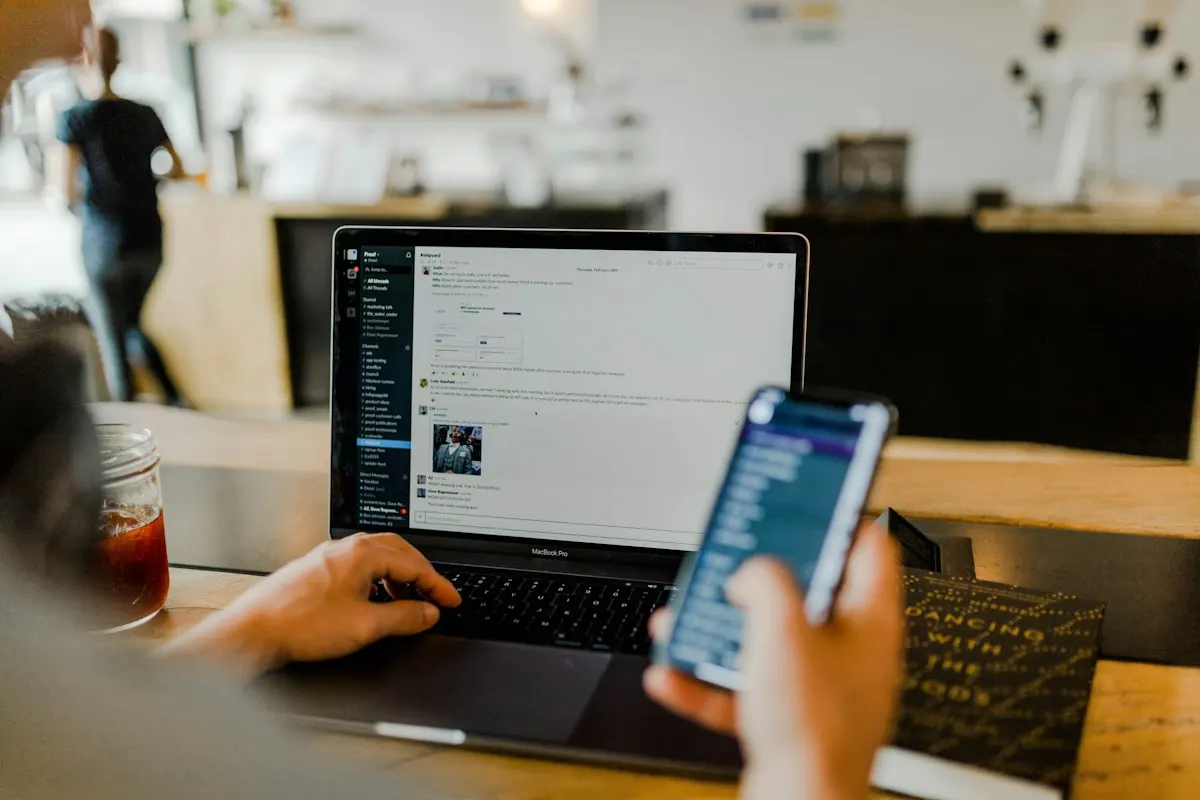
Improve website accessibility with practical checks for navigation, forms, product pages and checkout, plus a clear plan for fixing the biggest barriers.
Website accessibility belongs on the same business agenda as security, conversion and customer service. If visitors cannot navigate your menu, understand your product information or complete a form, your website is creating an avoidable barrier to doing business.
For business owners in 2026, the issue is especially relevant when selling internationally. Accessibility expectations increasingly influence procurement, website contracts and regulatory obligations—not just design preferences.
The practical question is not whether your site has an accessibility badge. It is whether people with different abilities, devices and ways of browsing can complete important tasks.
This guide explains what to check, what to fix first and how to make accessibility part of everyday website management.
What is website accessibility?
Website accessibility means designing and building digital experiences that people with disabilities can use. That includes people who rely on screen readers, keyboard navigation, magnification, captions or alternative input devices.
It also supports everyday situations: watching a video without sound, reading in bright sunlight or using a website with a temporary hand injury.
An accessible website helps visitors:
- Understand content and instructions.
- Navigate without needing a mouse.
- Identify controls and interact with them.
- Recover from mistakes without losing progress.
- Use assistive technology to complete essential tasks.
Accessibility is not a separate version of your website. It should be built into the experience everyone receives.
Why accessibility matters for businesses in 2026
The European Accessibility Act has made accessibility a more immediate concern for many businesses offering covered products and services in the EU. Its requirements began applying from June 2025, subject to scope, exemptions and transitional provisions.
An India-, UK- or UAE-based company should not assume that its office address alone determines its obligations. What it offers, who it serves and the relevant national implementation can matter. Get qualified legal advice for your situation.
Beyond regulation, accessibility addresses straightforward commercial problems. An unlabelled enquiry form can prevent a prospect from contacting you. A mouse-only product selector can stop a purchase. An inaccessible booking widget can force customers to call instead.
Fixing these barriers can support usability and customer confidence. However, accessibility work should not come with promises of automatic ranking improvements or guaranteed revenue growth.
Start with WCAG, but define your scope
The Web Content Accessibility Guidelines, or WCAG, provide a widely used technical framework. Their principles are that content should be perceivable, operable, understandable and robust.
For many website projects, WCAG 2.2 Level AA is a sensible technical target. It is not a universal legal guarantee: applicable rules or contracts may reference different standards or versions.
Before commissioning an audit, document:
- The website, subdomains and customer portals included.
- Essential journeys, such as buying, booking or requesting a quote.
- Third-party components, including payment and scheduling tools.
- Downloads, videos and other non-page content.
- The target standard and who will verify fixes.
This prevents a common mistake: checking a few marketing pages while ignoring the checkout or account area.
Six website accessibility checks to prioritise
1. Test navigation without a mouse
Open your website and use Tab, Shift+Tab, Enter, arrow keys and Escape where appropriate.
Can you reach the main navigation, open menus, dismiss pop-ups and submit a form? Is the current keyboard position clearly visible? Does focus follow a logical order?
Watch for keyboard traps, where a visitor enters a component but cannot leave it. Sticky banners and chat widgets should not obscure the focused control.
Ask your developer to use native HTML controls wherever possible. A properly implemented button is generally a better foundation than a clickable visual element built from scratch.
2. Make forms understandable and recoverable
Forms often contain the barriers closest to revenue.
Every input needs a clear, programmatically associated label. Placeholder text alone is not a reliable substitute: it disappears when someone types and may provide insufficient guidance.
Explain required formats before submission. When something goes wrong, identify the affected field and describe how to fix it. Do not communicate errors through red colouring alone.
Preserve valid entries after an error. For longer workflows, avoid making visitors repeatedly enter information already supplied in the same process unless necessary.
3. Check contrast, zoom and mobile layouts
Muted text may look elegant in a mock-up but become difficult to read on a phone.
Check text and interface contrast against the relevant WCAG criteria. Test normal text, links, field borders, error messages and interactive states—not just your main brand colours.
Zoom in and check whether content remains usable without overlapping or disappearing. Test narrow layouts for unnecessary horizontal scrolling, while recognising that some content, such as complex tables, needs special treatment.
Give touch controls enough space so people can select the intended action without accidentally activating a neighbour.
4. Give images and media useful alternatives
Alternative text should communicate an image's purpose in context.
A product image may need a description of visible features relevant to the purchase. A decorative flourish usually needs an empty alternative rather than a description that adds noise for screen-reader users.
Avoid placing essential prices, offers or instructions only inside images.
Provide accurate captions for video with spoken content. Where important visual information is not conveyed through audio, assess whether audio description or another appropriate alternative is needed. Check automatically generated captions before publishing.
5. Fix structure and interactive components
Headings should describe sections and follow a meaningful hierarchy. Do not choose heading levels simply because their default font sizes look right.
Use descriptive links instead of repeated, context-free “click here” text. Screen-reader users may browse a list of links without reading every surrounding paragraph.
Custom tabs, accordions and modal windows need correct names, states and keyboard behaviour. Prefer tested components, but verify their implementation on your own site.
Adding accessibility attributes cannot compensate for broken interaction design.
6. Test the complete purchase or enquiry journey
For an ecommerce website, review product variants, stock messages, filters, cart updates, discount fields and payment errors.
A colour swatch should communicate its name and selection state—not just display a coloured square. Important cart updates should be available to assistive technology without unnecessarily interrupting the visitor.
For a service business, follow the journey from landing page to booking confirmation.
Include embedded services in this review. Customers experience the whole journey, even when different suppliers operate parts of it.
Combine automated checks with human testing
Automated tools are useful for finding issues such as missing labels, some contrast failures and certain structural problems. They are not proof that a website is accessible.
A tool might detect that alternative text exists without knowing whether it describes the image meaningfully. It may also miss confusing focus behaviour or instructions that make no sense.
Use three layers:
- Automated scanning across representative templates.
- Manual testing with keyboards, zoom and screen readers.
- Task-based usability testing, ideally involving people with disabilities.
Treat accessibility overlays or toolbar widgets cautiously. A widget does not replace fixing underlying code, content and workflows.
Build a practical remediation plan
Start with barriers that prevent essential tasks. An unusable payment button deserves attention before a minor issue on an old news page.
Group findings by component so a shared fix can improve many pages. Assign each issue an owner, a reproducible test and clear acceptance criteria.
After development, retest the original problem and nearby functionality. Then add checks to your publishing and release process.
Content editors need guidance on headings, links, images and documents. Developers need reusable accessible components. Procurement teams need questions for third-party vendors.
Publish an accessibility statement that accurately explains your approach, known limitations and contact route. Avoid unsupported claims of complete compliance.
Frequently asked questions
Does website accessibility improve SEO?
Some practices overlap, including clear structure, descriptive links and useful text alternatives. Accessibility is not a guaranteed ranking boost, and technical SEO checks do not replace accessibility testing.
Can we fix an existing website without rebuilding it?
Often, yes. Shared templates and components can usually be improved incrementally. A rebuild becomes worth considering when the platform or design system makes essential fixes impractical. Audit before deciding.
How much does an accessibility audit cost?
Cost depends on templates, functionality, third-party integrations and testing depth. Request a scoped proposal that distinguishes automated scanning, manual review, remediation and verification rather than comparing headline prices alone.
Make your website easier to use
The best accessibility programme starts with real customer tasks, fixes meaningful barriers and keeps improvements from disappearing during the next update.
Contact Vinayak Clouds Inc. to discuss accessibility improvements for your business website or ecommerce store. Our web development team can help define the scope, prioritise technical changes and plan a more usable customer experience.